Thermal Imaging for Phone Motherboard Diagnostics — A Practical Guide
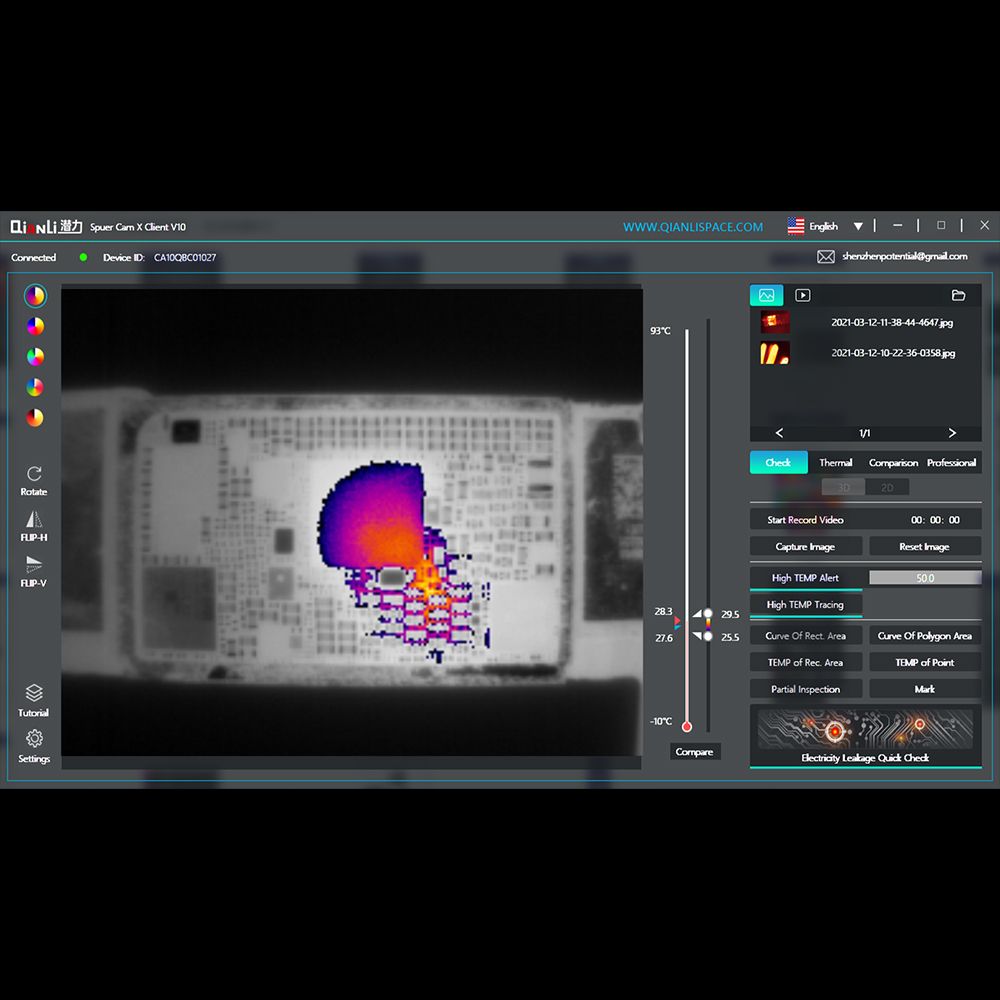
A thermal imaging camera turns a phone motherboard into an open book. Instead of probing dozens of test points blindly, you can see the fault — literally — because a short circuit or a failing IC announces itself with heat. This guide explains how thermal imaging works for board repair, how to read a heat signature, and when to use the FireEye Ultra versus the Super Cam X.
Why Thermal Imaging Works for Board Repair
Almost every board fault produces heat before it produces a symptom. A short circuit draws excessive current and heats up within seconds. A failing IC runs hotter than its neighbors. Water-damage corrosion creates local resistance, which shows up as warm spots. A thermal camera lets you see all of this in real time — without schematics, without probing, and without risking further damage.
This is why thermal imaging has become the fastest-growing diagnostic category on professional repair benches: it collapses hours of methodical probing into minutes of observation.
How to Read a Heat Signature
- One bright hot spot on an otherwise cool board — classic dead short. The component (or the trace feeding it) is the culprit.
- A warm IC surrounded by normal-temperature neighbors — the chip itself is overloaded, shorted, or failing.
- A slowly warming area — partial short or marginal component, common after liquid damage.
- No heat anywhere on a no-power board — power is not reaching the board at all; check the charging path and PMIC first.
- Heat spreading along a trace — follow the trail; the short is usually at the endpoint where it concentrates.
FireEye Ultra vs Super Cam X: Which One Fits Your Bench?
Both cameras come from the QianLi line, but they target different workflows:
| Aspect | FireEye Ultra | Super Cam X |
|---|---|---|
| Best for | Quick daily short-circuit hunting, portable bench use | Detailed board analysis with higher thermal detail |
| Form factor | Compact portable thermal imager | Station-style inspection camera setup |
| Typical user | Individual technicians and small shops | Advanced board-repair labs and training centers |
| Price tier | Entry to mid | Mid to high |
Start with the FireEye Ultra if you are adding thermal diagnostics to an existing bench. If board analysis is a core part of your workflow — or you run a training center — the Super Cam X gives you more thermal detail to work with.
A Practical Workflow: Finding a No-Power Fault
- Connect the board to a bench power supply set to a low voltage with a current limit.
- Watch the current reading — an abnormally high draw (hundreds of milliamps on a dead board) means there is a short.
- Scan the board with the thermal camera. The hot spot appears within seconds.
- Mark the hot component with a marker — it is either shorted or being fed by a shorted trace.
- Remove the suspect component, or isolate its power rail with a knife cut.
- Re-test with the power supply. Current back to normal? You found it. Heat the board up again and re-scan to confirm.
When Thermal Imaging Isn't Enough
Thermal imaging finds where the fault is, but it does not tell you what the fault is. You still need a stereo microscope to inspect solder joints and corrosion, a multimeter to confirm continuity, and a solid understanding of power rails. And once you have removed the faulty IC, a proper rework station — like the F1X desoldering platform — is what puts the board back together.
Q: Do I need a thermal camera for basic phone repairs?
No. Screen, battery, and connector repairs do not require thermal diagnostics. A thermal camera becomes valuable when you move into board-level work — shorts, no-power faults, and water damage — where it saves hours per repair.
Q: Can a thermal camera find water-damage corrosion?
Often, yes. Corrosion creates local resistance that heats up under power. Corroded areas typically appear as warm spots near connector pins or under shielding. The camera helps you target where to clean or rework first.
Q: What resolution do I need for motherboard work?
For finding shorts on a phone motherboard, an entry-level thermal imager like the FireEye Ultra is sufficient — shorts produce large, obvious heat signatures. Higher-resolution cameras like the Super Cam X help when analyzing smaller components and subtle temperature differences.
Q: Is thermal imaging safe for the board?
Yes, as long as you control the current with a bench power supply. Never power a suspicious board from a battery or unregulated adapter while scanning — a dead short can overheat components before you see it.
Q: Where can I buy the FireEye Ultra or Super Cam X?
Both are available through Vexagoo, the authorized global distributor for QianLi Innovation and YCS. We ship worldwide at factory-direct wholesale pricing, with no minimum order.
Add Thermal Diagnostics to Your Bench
Not sure whether the FireEye Ultra or Super Cam X fits your workflow? Send us a WhatsApp message describing what you repair and we will recommend the right camera.
Tools Mentioned in This Guide
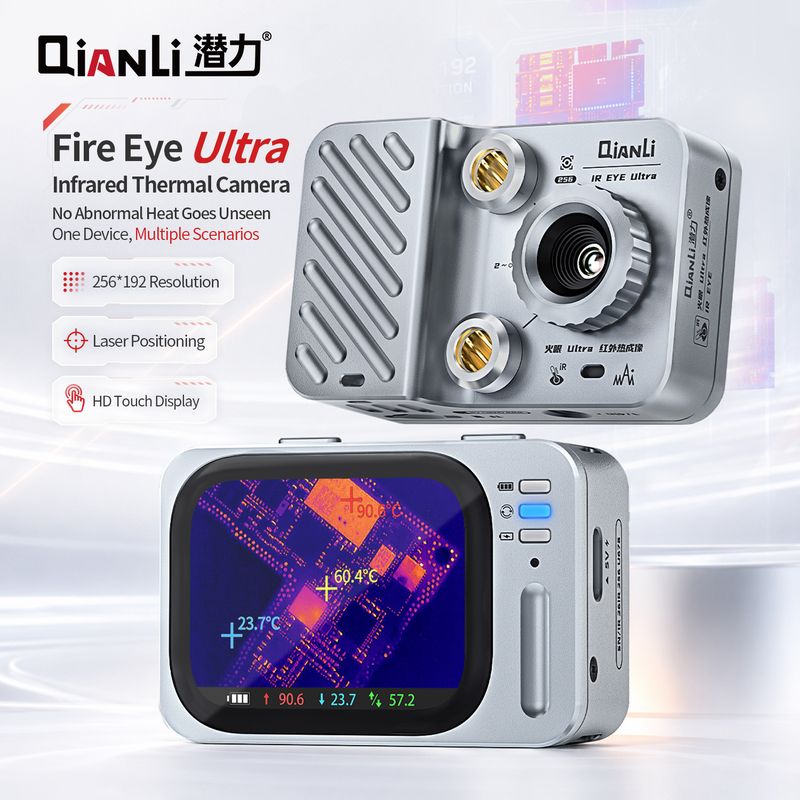
QianLi FireEye Ultra
The QianLi FireEye Ultra is a portable infrared thermal imager that finds short circuits, overheated ICs, and water-damage hotspots in seconds - no schematics needed. The fastest diagnostic tool for motherboard repair, compatible with IP series and Android boards.
View Details →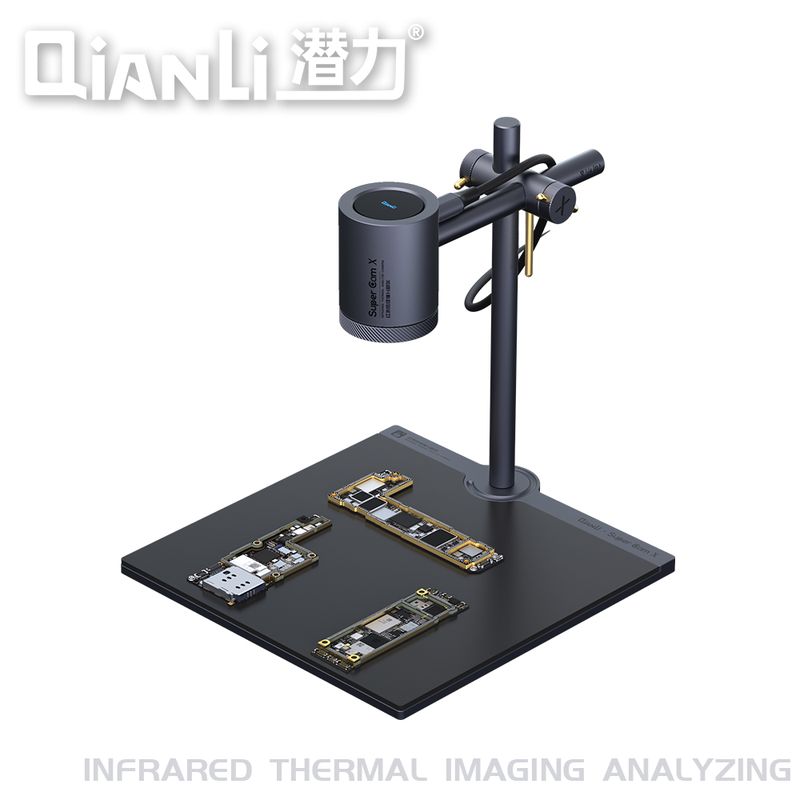
QianLi Super Cam X
The QianLi Super Cam X is a high-resolution thermal imaging camera for detailed motherboard analysis - finding shorts, overheating components, and corrosion with greater thermal detail. The professional choice for advanced board-repair labs and training centers.
View Details →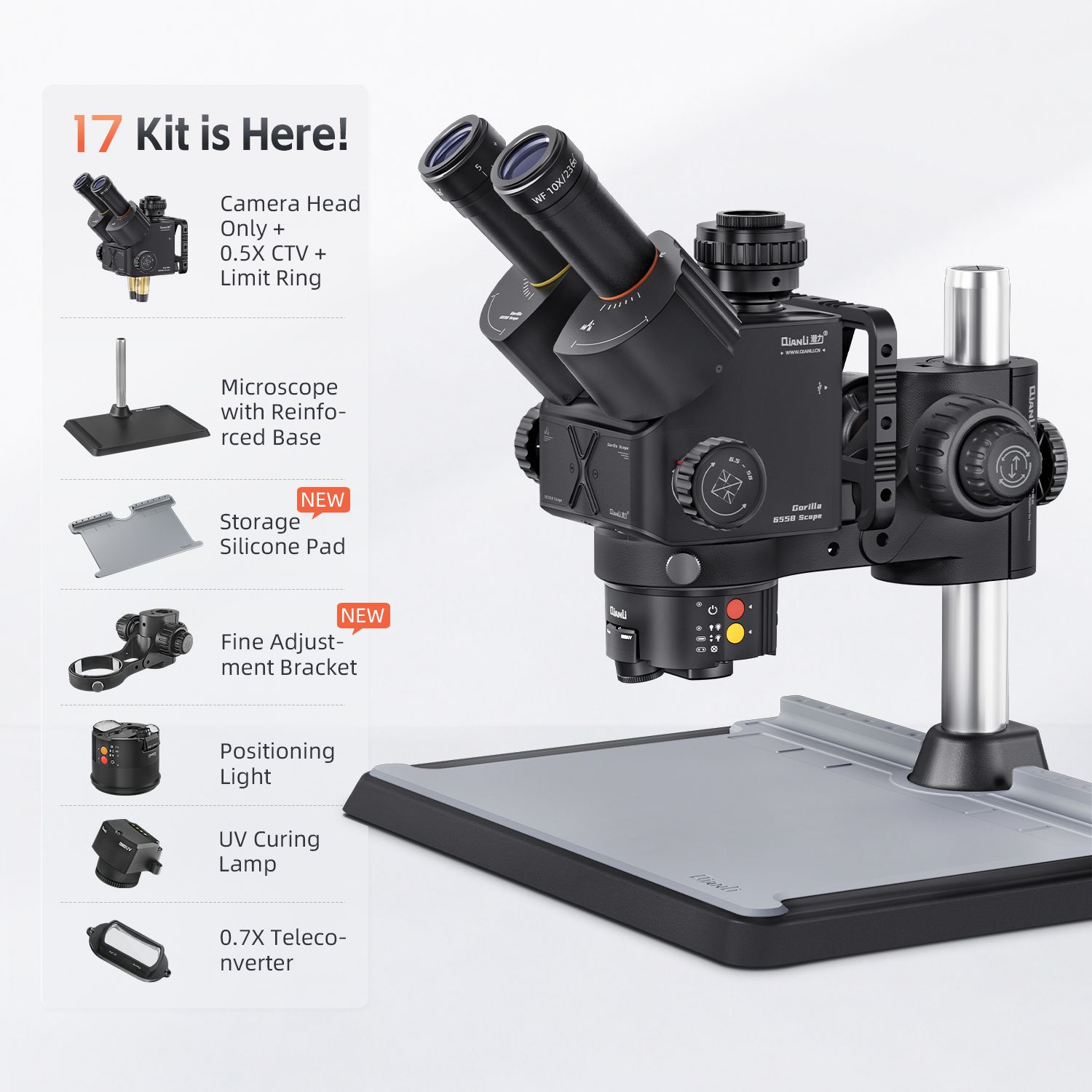
QianLi 6558 Gorilla Microscope
The QianLi 6558 Gorilla is a trinocular stereo microscope with 3.5X-90X continuous zoom, LED ring light, and an HD camera port for documentation. The standard choice for BGA rework, trace inspection, and micro-soldering on phone motherboards.
View Details →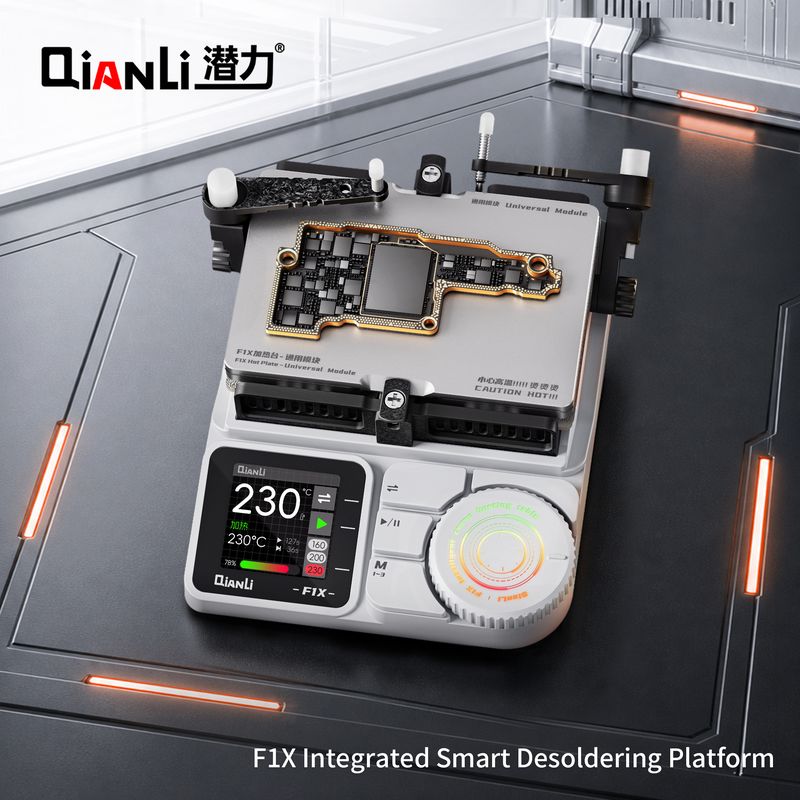
QianLi F1X Desoldering Platform
The QianLi F1X is an integrated smart desoldering platform combining hot air and soldering iron in one digitally controlled unit. Rapid heat-up, T12/T245 tips, and sleep mode make it the all-in-one rework station for BGA and motherboard repair.
View Details →