QianLi Macaron Max: Phone Battery Fly Lead Welding Guide
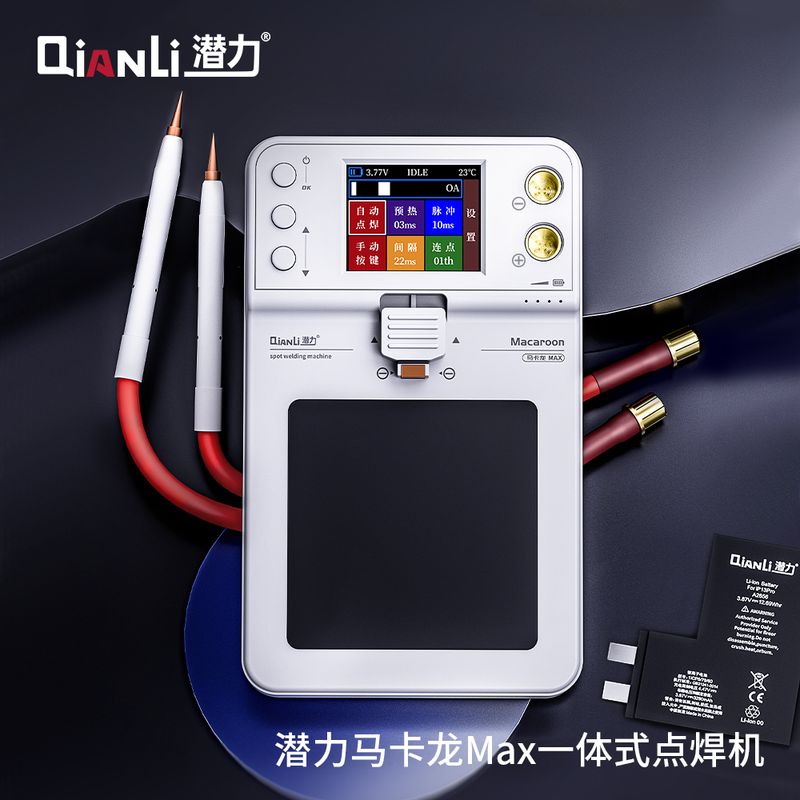
Broken fly leads and torn nickel tabs are among the most common phone battery failures a repair shop sees. The fix is a spot welder — but welding on a phone battery is not the same as welding a big pack. The workpiece is a thin nickel strip millimeters away from a protection board full of components, and one sloppy pulse can burn a pad or kill the board. This guide covers how to weld phone battery fly leads with the QianLi Macaron Max portable spot welder: the dual-pulse settings that matter, the clamp design that protects the board, starting parameters, and — just as important — what this class of welder should not be used for.
First, the Scope: Phone Batteries, Not Thick Packs
The Macaron Max is built around one job: welding thin nickel strips and fly leads on phone battery packs — the flat Li-polymer cells used in IP-series and other smartphones, where the tab is a delicate 0.1–0.15 mm strip sitting right beside the protection board. That is exactly what its dual-pulse output and component-safe clamp are tuned for.
It is not the right tool for thick battery work. High-capacity power banks, power-tool packs, and e-bike batteries need much thicker nickel or copper-nickel composites, and no portable 650A-class welder should be pushed into that job — the welds will look acceptable but fail under load. For phone battery fly-lead repair, though, the Macaron Max hits the sweet spot: enough current for a solid weld on thin strip, with the fine control needed to work safely next to a protection board.
Why Dual-Pulse Output Matters Near a Protection Board
A single high-energy pulse on oxidized nickel does two bad things: part of the energy burns off as sparks, and the rest dumps heat unevenly into the strip — right next to the components you are trying not to cook. The Macaron Max splits every weld into two pulses. First a preheat pulse (03 ms in the default profile) clears the surface oxide layer and lowers sparking; after a short interval (22 ms), the main pulse (13 ms) delivers the actual weld current, firmly and reliably. The machine shows this dual-pulse profile live on its color screen, and preheat + interval + main pulse can be tuned from the main page directly — over a thousand parameter combinations, so you can dial in the exact energy a given strip needs instead of overheating it.
| Specification | Detail |
|---|---|
| Design | All-in-one — no external expansion board needed |
| Max output current | 650 A |
| Welding modes | Auto welding / Manual button trigger |
| Dual-pulse profile | Preheat 03 ms + Interval 22 ms + Pulse 13 ms (adjustable) |
| Multi-spot | Touch once, output N pulse groups (for reinforcing strips) |
| Display | Color screen: voltage, status, temperature, current peak |
| Welding clamp | Pure copper, three-side wrap; single side exposed for side welding |
| Welding pens | 2 integrated pens, purple copper tips, heat-shrink protection |
| Work surface | Heat-resistant, anti-slip silicone pad |
| Built-in battery | 4000 mAh / 65C rechargeable Li-polymer |
| Charging | Type-C, 5 V input |
| Dimensions / weight | 90 × 148 mm / 443 g |
| Package | Spot welder ×1, welding pen ×2, nickel sheet ×1, file ×1 |
Macaron Max — key specifications for phone battery fly lead welding.
The Clamp Design That Protects the Protection Board
On a phone battery, the danger zone is not the strip — it is the protection board components sitting millimeters from your weld point. The Macaron Max approaches this with a pure copper welding clamp that wraps the battery on three sides, shielding the components on the protection board from the weld point, while the fourth side stays exposed for side welding when the tab position demands it. Combined with the heat-resistant anti-slip silicone pad on the work surface, the cell stays exactly where you placed it while you weld — no sliding, no second contact, no surprise arcs.
Step-by-Step: Welding a Phone Battery Fly Lead
- Place the cell — lay the battery flat on the silicone pad and slide the copper clamp so it holds the weld point; the three-side wrap shields the protection board components behind it.
- Adjust the pulse parameters — long-press the power key to switch on, use the up/down keys to tune preheat, interval, pulse, and multi-spot values (the factory starting point of 03 ms / 22 ms / 13 ms suits most thin phone battery strips), and short-press OK to confirm. The screen shows battery voltage, temperature, and the simulated pulse profile as you adjust.
- Weld — press the pen tips firmly onto the strip so both needles make full contact (never weld through an air gap), trigger, and let the dual pulse complete the weld. Clean oxidized tips with the included file between sessions to keep current flow consistent.
For a strip that needs extra reinforcement, switch to multi-spot mode: one touch outputs a programmed group of pulse groups, which is handy when a tab needs more than a single weld point — without you repositioning between pulses.
One Port to Be Careful With
The side of the unit carries a 5 V OUT expansion port rated at 5 V / 3 A MAX. It is an advanced-use expansion output, not a general-purpose USB charger — QianLi's own guidance is to use it cautiously and only if you understand what it drives. For daily fly lead welding you will not need it; charging happens through the separate Type-C 5 V input.
Frequently Asked Questions
Q: What nickel strip thickness is the Macaron Max meant for?
Thin strips used on phone battery packs — typically 0.1–0.15 mm nickel tabs and fly leads. The multi-spot mode can reinforce slightly thicker strip, but the machine is tuned for phone battery work, not heavy packs.
Q: Can it weld thick battery packs like power banks or tool batteries?
No. Those need much thicker nickel or copper-nickel composite strips and sustained current the 650 A portable class is not designed to deliver. Keep the Macaron Max on phone battery fly leads and thin tabs.
Q: Do I need an external expansion board?
No. The Macaron Max is an all-in-one design — the pulse board, clamp, and silicone pad are integrated into one unit, which also makes it more stable on the bench than two-piece setups.
Q: How does it protect the battery's protection board during welding?
The pure copper welding clamp wraps the cell on three sides to shield protection board components from the weld point, and the fourth side is exposed for side welding. The dual-pulse profile also reduces total heat dumped into the strip.
Q: What are good starting parameters for phone battery strips?
Start from the factory profile — preheat 03 ms, interval 22 ms, pulse 13 ms — and adjust with the up/down keys from the main page. Increase pulse time in small steps for thicker strip; reduce it if you see excessive sparking even after the preheat pulse.
Q: How is it powered and how long does the battery last?
It runs on a built-in 4000 mAh / 65C rechargeable Li-polymer cell and charges over Type-C at 5 V. The color screen always shows the current pack voltage so you know when to recharge.
Q: Why does my weld spark and stick badly?
Usually oxidized pen tips or a dirty strip. File the copper tips with the included file, confirm the strip is clean, and make sure both needles press flat against the strip — welding through an air gap is the most common cause of violent sparking.
Need a phone battery fly lead welder in stock?
The QianLi Macaron Max Portable Spot Welder ships with two welding pens, nickel sheets, and a file. Compare it with the capacitive Macaron Ultra or pair it with an H240 soldering station for the rest of the bench. Vexagoo is an authorized QianLi and YCS distributor — message us on WhatsApp or email isocket@qianli.cn for wholesale pricing and worldwide shipping.
Tools Mentioned in This Guide
QianLi Macaron Max Spot Welder
The QianLi Macaron Max is a portable spot welding machine with a digital display and adjustable power for phone battery tab welding and cell connections. Includes welding pen and nickel strips - compact, low-voltage, and safe for mobile repair.
View Details →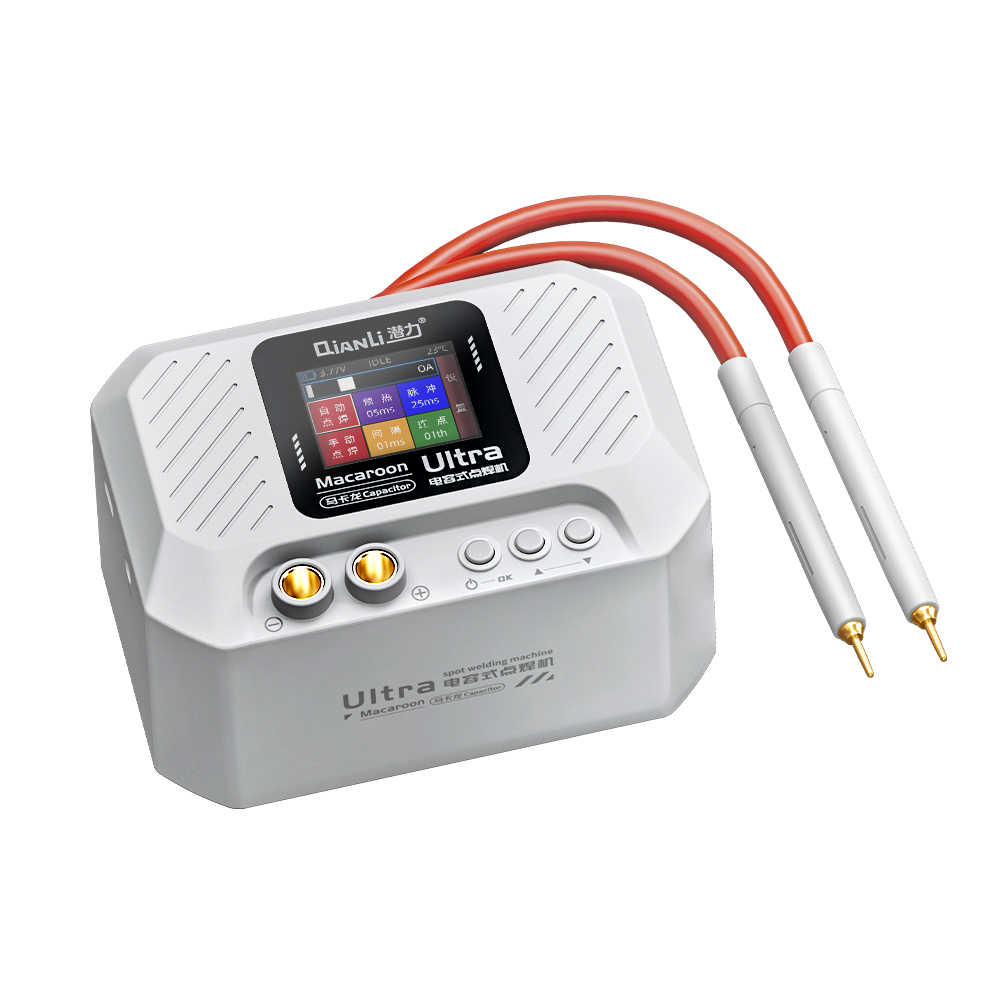
QianLi Macaron Ultra
The QianLi Macaron Ultra is a capacitive spot welding machine with adjustable power and a digital display for battery tab welding on phones and small electronics. Portable and low-voltage safe, with welding pen and nickel strips included.
View Details →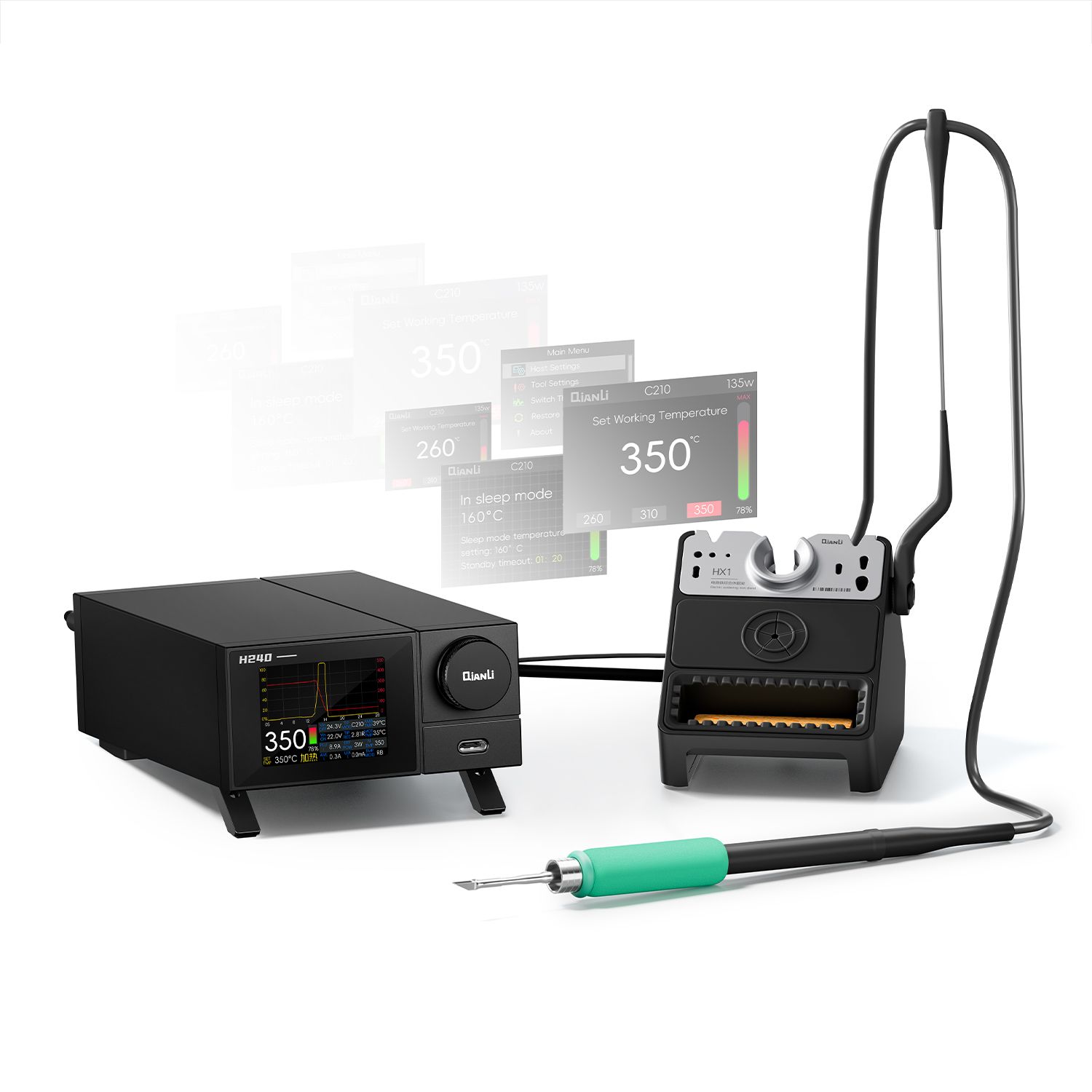
QianLi H240 Soldering Station
The QianLi H240 is a digital soldering station with rapid heat-up, precise temperature control, and sleep mode. Compatible with T12/T245 tips, it handles BGA rework, IC soldering, and connector repair - the standard entry point for phone repair shops.
View Details →